
flutter_tex


Contents
- flutter_tex
- Contents
- About
- How it works?
- Demo Video
- Screenshots
- How to setup?
- How to use?
- Examples
- Application Demo:
- Web Demo:
- Api Changes:
- Api Usage:
- ToDo
- Limitations:
About
A Flutter Package, to render fully offline all types of equations and expressions based on LaTeX , TeX and MathML, most commonly used are as followings:
-
Mathematics / Maths Equations and expressions (Algebra, Calculus, Geometry, Geometry etc...)
-
Physics Equations and expressions
-
Signal Processing Equations and expressions
-
Chemistry Equations and expressions
-
Statistics / Stats Equations and expressions
-
It also includes full HTML with JavaScript support.
How it works?
Flutter TeX is a port to a powerful JavaScript library MathJax which render the equations in webview_flutter_plus. All credits goes to MathJax developers.
Demo Video
Screenshots
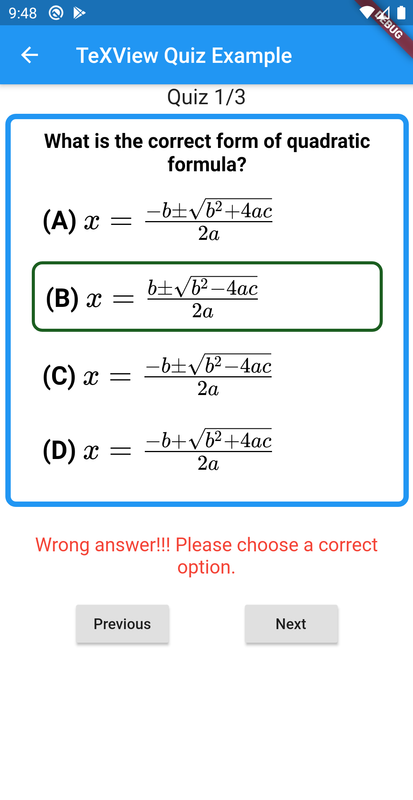
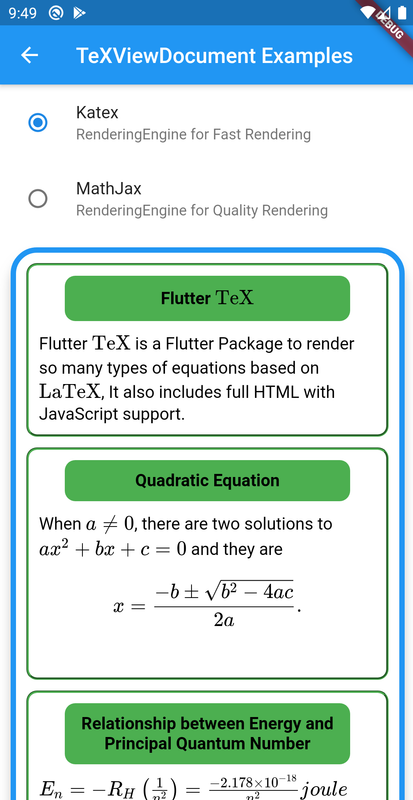
| Fonts Sample | Quiz Sample | TeX Document |
|---|---|---|
 |
 |
 |
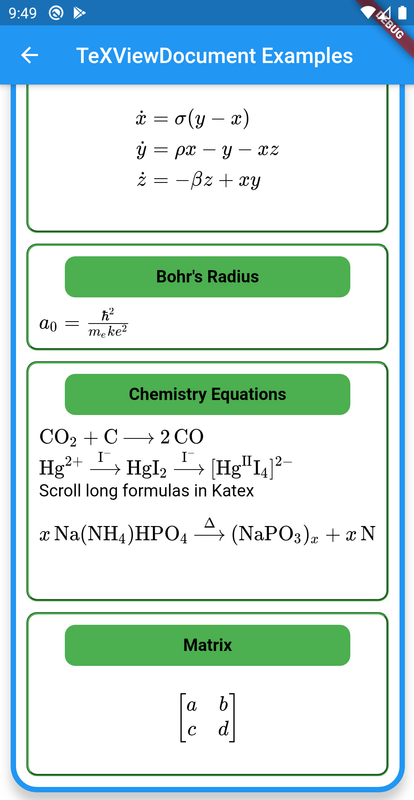
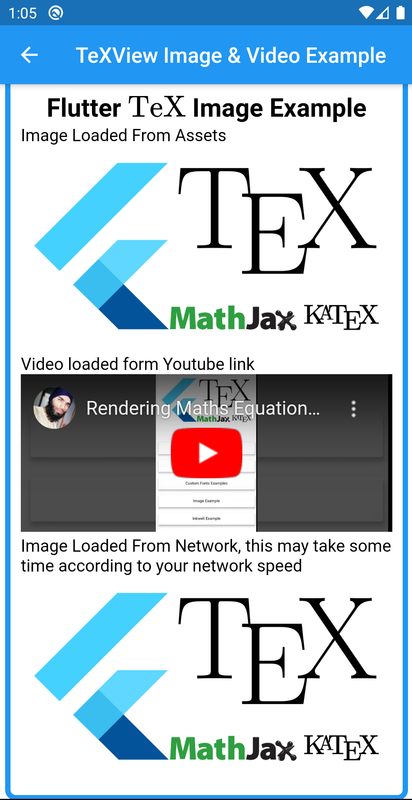
| TeX Document | Image & Video | InkWell |
|---|---|---|
 |
 |
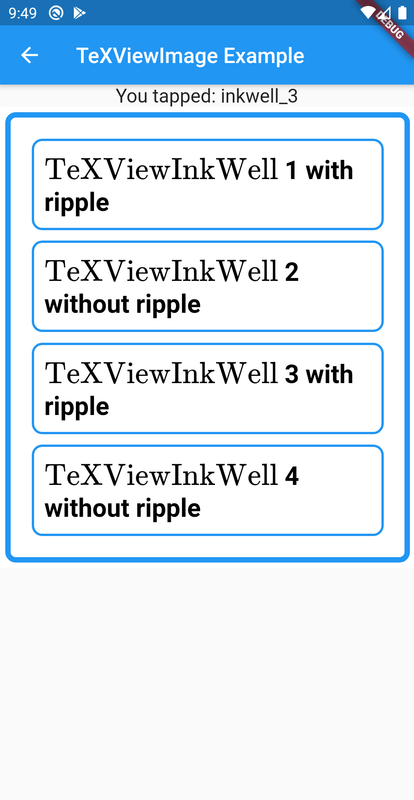 |
How to setup?
Minmum flutter SDK requirement is 3.27.x
1: Add flutter_tex latest version under dependencies to your package's pubspec.yaml file.
dependencies:
  flutter_tex: ^4.1.3
2: You can install packages from the command line:
$ flutter packages get
Alternatively, your editor might support flutter packages get. Check the docs for your editor to learn more.
3: Now you need to put the following implementations in Android, iOS, and Web respectively.
Android
Make sure to add this line android:usesCleartextTraffic="true" in your <project-directory>/android/app/src/main/AndroidManifest.xml under application like this.
<application
       ...
       ...
       android:usesCleartextTraffic="true">
</application>
It completely works offline, without internet connection, but these are required permissions to work properly:
<uses-permission android:name="android.permission.INTERNET" />
and intents in queries block:
<queries>
  ...
  ...
    <intent>
        <action android:name="android.intent.action.VIEW" />
        <data android:scheme="https" />
    </intent>

    <intent>
        <action android:name="android.intent.action.VIEW" />
        <data android:scheme="sms" />
    </intent>
    <intent>
        <action android:name="android.intent.action.VIEW" />
        <data android:scheme="tel" />
    </intent>
    <intent>
        <action android:name="android.intent.action.VIEW" />
        <data android:scheme="mailto" />
    </intent>
    <intent>
        <action android:name="android.support.customtabs.action.CustomTabsService" />
    </intent>
</queries>
It'll still work in debug mode without permissions, but it won't work in release application without mentioned permissions.
iOS
Add following code in your <project-directory>/ios/Runner/Info.plist
<key>NSAppTransportSecurity</key>
  <dict>
    <key>NSAllowsArbitraryLoads</key> <true/>
  </dict>
<key>io.flutter.embedded_views_preview</key> <true/>
<key>LSApplicationQueriesSchemes</key>
<array>
    <string>https</string>
    <string>http</string>
    <string>tel</string>
    <string>mailto</string>
</array>
Web
For Web support you need to put <script src="assets/packages/flutter_tex/js/flutter_tex.js"></script> and <script type="text/javascript">window.flutterWebRenderer = "canvaskit";</script> in <head> tag of your <project-directory>/web/index.html like this.
<head>
    ...
    ...
    <script src="assets/packages/flutter_tex/js/flutter_tex.js"></script>
</head>
How to use?
In your Dart code, you can use like:
import 'package:flutter_tex/flutter_tex.dart';
Make sure to setup TeXRederingServer before rendering TeX:
main() async {

  if (!kIsWeb) {
    await TeXRenderingServer.start();
  }

  runApp(...);
}
Now you can use TeXView as a widget:
Examples
Quick Example
TeXView(
    child: TeXViewColumn(children: [
      TeXViewInkWell(
        id: "id_0",
        child: TeXViewColumn(children: [
          TeXViewDocument(r"""<h2>Flutter \( \rm\\TeX \)</h2>""",
              style: TeXViewStyle(textAlign: TeXViewTextAlign.center)),
          TeXViewContainer(
            child: TeXViewImage.network(
                'https://rawgit.flutter-io.cn/Shahxad-Akram/flutter_tex/master/example/assets/flutter_tex_banner.png'),
            style: TeXViewStyle(
              margin: TeXViewMargin.all(10),
              borderRadius: TeXViewBorderRadius.all(20),
            ),
          ),
          TeXViewDocument(r"""<p>
                       When \(a \ne 0 \), there are two solutions to \(ax^2 + bx + c = 0\) and they are
                       $$x = {-b \pm \sqrt{b^2-4ac} \over 2a}.$$</p>""",
              style: TeXViewStyle.fromCSS(
                  'padding: 15px; color: white; background: green'))
        ]),
      )
    ]),
    style: TeXViewStyle(
      elevation: 10,
      borderRadius: TeXViewBorderRadius.all(25),
      border: TeXViewBorder.all(TeXViewBorderDecoration(
          borderColor: Colors.blue,
          borderStyle: TeXViewBorderStyle.solid,
          borderWidth: 5)),
      backgroundColor: Colors.white,
    ),
   );
TeXView Document Example
TeXView Document Example
TeXView Markdown Example
TeXView Markdown Example
TeXView Quiz Example
TeXView Quiz Example
TeXView Custom Fonts Example
TeXView Custom Fonts Example
TeXView Image and Video Example
TeXView Image and Video Example
TeXView InkWell Example
TeXView InkWell Example
Complete Example
Complete Example Code
Application Demo:

Web Demo:
You can find web demo at https://flutter-tex.web.app
Api Changes:
- Please see CHANGELOG.md.
Api Usage:
-
children:A list ofTeXViewWidget -
TeXViewWidgetTeXViewDocumentHolds TeX data by using a raw string e.g.r"""$$x = {-b \pm \sqrt{b^2-4ac} \over 2a}.$$<br> """You can also put HTML and Javascript code in it.TeXViewMarkdownHolds markdown data.TeXViewContainerHolds a singleTeXViewWidgetwith styling.TeXViewImagerenders image from assets or network.TeXViewColumnholds a list ofTeXViewWidgetvertically.TeXViewInkWellfor listening tap events. Its child and id is mandatory.TeXViewGroupa group ofTeXViewGroupItemusually used to create quiz layout.TeXViewDetailslike html<details>.
-
TeXViewStyle()You can style each and everything usingTeXViewStyle()or by using customCSScode byTeXViewStyle.fromCSS()where you can pass hard coded String containing CSS code. For more information please check the example. -
loadingWidgetBuilder:Show a loading widget before rendering completes. -
onRenderFinished:Callback with the rendered page height, when TEX rendering finishes.
For more please see the Example.
ToDo
- MathJax configurations from Flutter.
Limitations:
- Please avoid using too many
TeXViews in a single page, because this is based on webview_flutter_plus a complete web browser. Which may cause slowing down your app. I am trying to add all necessary widgets withinTeXView, So please prefer to useTeXViewWidget. You can check example folder for details. If you find any problem you can report an issue.